Refurbished phones and laptops: what to check before you buy
A refurbished device can be worth a look, but the listing should answer a few key questions. Check the seller, testing and warranty first, then dig into the device itself.
In this guide
- Start with the seller, testing and warranty
- Decode the condition grade and inspect the device
- Check battery health and replacement parts
- For phones: check carrier fit and activation locks
- For laptops: test the screen, keyboard and ports
- Match the specs and software support to your needs
- Spot it: your refurbished device checklist
Start with the boring bits: Who refurbished the device, what did they test, and what happens if it doesn't work? Those answers tell you more than a shiny photo. Then check the condition, battery and features you need every day.
Start with the seller, testing and warranty
Look for a seller that says who refurbished the device and explains the testing process. Check recent buyer reviews for clues about condition, returns and customer service. If a listing is vague, ask questions before you buy.
Read the warranty and return terms separately. A warranty may cover defects, while a return policy tells you when and how you can send the device back. Check who handles each one, what is covered and whether you would pay return shipping. Be cautious with an “as-is” listing.
Before you call it a deal, compare the full cost with a new device that meets the same needs. Include any charger or other accessory you would have to buy separately. Keep a copy of the listing and the seller's answers so you can check the device against them.
Decode the condition grade and inspect the device
A grade such as A or B is a starting point, not the whole story. Read the seller's definition and look for details about scratches, dents and screen condition. Ask for photos of the actual device if the listing only shows stock images.
When it arrives, inspect it in good light. Look for cracks, discoloration and marks that weren't described. Turn it on and check the screen, buttons, camera and speakers. For a laptop, check the hinges and trackpad, too. If something doesn't match the listing, contact the seller within the return window.
Check battery health and replacement parts
A tidy case doesn't tell you how much life is left in the battery. Ask the seller for its current health or capacity, whether the battery was replaced and what kind of replacement was used. Also ask which other parts were replaced.
You can check battery health in an iPhone's settings. For other devices, ask the seller how to see the battery information or run a diagnostic. Check the result after delivery and compare it with the listing. If the seller won't share any battery details, factor that uncertainty into your decision.
For phones: check carrier fit and activation locks
An unlocked phone still needs to work with your carrier. Ask for the exact model and the IMEI, the phone's identification number, then check compatibility with your carrier before buying. Ask the seller to confirm that the phone isn't blocked and that the previous owner's activation lock has been removed.
Once the phone arrives, go through setup and make sure you can activate it without the previous owner's account. Test a call, mobile data and Wi-Fi. If you can't complete setup or the phone doesn't work as described, contact the seller promptly.
For laptops: test the screen, keyboard and ports
Give the laptop a little workout while you can still return it. Look at the screen for spots, discoloration or pixels that don't display properly. Type on every key, use the trackpad and open and close the lid to check the hinges.
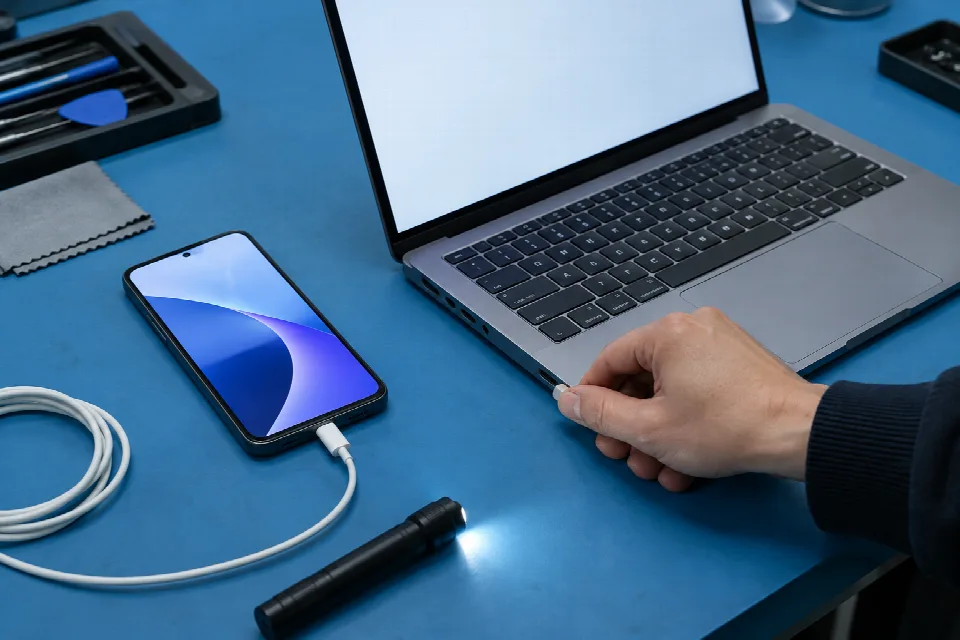
Try the ports you plan to use, along with the charger, camera and speakers. Connect to Wi-Fi and open the apps or websites you use most. A scratch you expected is one thing; a feature that doesn't work as listed is another.
Match the specs and software support to your needs
Check the model, storage and memory against the listing. Think about what you actually do: A household laptop for homework and browsing may have different needs from one used for video editing. Check the requirements for any must-have apps before you buy.
Look up the model on the manufacturer's site to see what it says about operating system and security updates. If you can't find a clear answer, ask the seller. A device that suits your needs today should also have the software support you're comfortable with.
Spot it: your refurbished device checklist
- Seller: Who refurbished it, and what did they test?
- Protection: What do the warranty and return policy cover?
- Condition: Does the grade match the photos and description?
- Battery and parts: What is the battery health, and what was replaced?
- Phone: Will it work with your carrier, and is the activation lock removed?
- Laptop: Do the screen, keys, hinges and ports work?
- Fit: Do the specs, included accessories and update support meet your needs?
Sources
- www.wired.com · /story/how-to-buy-refurbished-electronics
- lifehacker.com · /tech/best-places-buy-used-refurbished-tech
- www.consumerreports.org · /electronics-computers/should-you-buy-refurbished-electronics-a9384325045
- www.makeuseof.com · /buying-refurbished-tech-checklist
- www.pcmag.com · /how-to/expert-guide-to-shopping-for-refurbished-tech
- zextons.co.uk · /blogs/new/how-to-check-if-a-refurbished-phone-is-worth-buying-10-essential-tests
- www.gtechyguides.com · /how-to-guides/how-to-check-the-quality-of-refurbished-devices-before-buying
- phoneguiding.com · /buy-used-phone