How to use coupons and cashback apps on everyday essentials
Start with what you already need, then check the fine print before you shop. Here’s how to keep coupons and cashback apps useful, not time-consuming.
In this guide
Look for offers on the things already headed for your cart: groceries, soap, paper goods and other household staples. Then check the details before you buy. A deal is much less exciting if it asks you to buy something you don’t need.
Coupons can lower the amount you pay at checkout. Cashback offers may give you a reward after your purchase, sometimes as cash or points. The trick is knowing which steps each offer requires—and deciding whether those steps are worth your time.
Start with essentials already on your list
Write your shopping list first. Then look for coupons or cashback offers that match it. That puts you in charge of the trip, rather than letting an app fill your cart with random extras.
Keep your usual choices in mind as you browse. If an offer is for a different brand or package size, compare the amount you would pay with your regular pick. A coupon on an item you wouldn’t otherwise buy isn’t automatically the better deal.
Give yourself a stopping point, too. You might check offers while making your list, then move on. You don’t need to inspect every app for every item to make a shopping routine work for you.
Pick an app that fits your routine
Different tools ask for different kinds of effort. Some use receipt uploads, while others ask you to activate an offer before you shop. Store apps and coupon tools may let you clip digital coupons or view weekly ads. For online shopping, some portals or browser extensions offer cashback or test promo codes.
Choose a method that fits what you already do. Happy to photograph a receipt after a grocery run? Look at receipt-based tools. Prefer planning before you leave? A store app or offer-based app may suit you better. If you shop online, consider whether starting through a portal is a step you’ll remember.
Before signing up, check how rewards are paid, whether there’s a minimum amount to redeem and what information the app asks you to share. You can also review its notification settings. One app you’ll actually use is a better starting point than a screen full of forgotten ones.
Check offer details before you shop
The picture may look right, but read the words. Before you add an offer to your plan, check:
- The eligible brand, product, size and variety.
- Whether you need to buy a certain quantity.
- Which stores or shopping methods qualify.
- Whether you must clip or activate the offer first.
- The offer’s dates and any limit on uses.
- What proof you need to submit and when.
At the shelf or online, match the product to those terms before it goes in your cart. If the qualifying item costs more than your usual choice, compare the final cost after the eligible coupon or reward. Also check whether the reward is cash, points or another form you’d be happy to use.
For online orders, read the offer’s instructions before switching between apps or adding a promo code. If you’re unsure whether the purchase will qualify, don’t count the reward as part of your decision.
Stack coupons and cashback where allowed
Stacking means combining eligible offers on the same purchase. For example, you might find an item on sale, use an eligible coupon at checkout and submit it for a cashback offer afterward. Whether that combination works depends on the store’s rules and the offer terms.
Before you shop, check each offer for restrictions on combining it with coupons or other rewards. Then check the store’s coupon policy. Don’t assume that two offers work together just because both appear in your apps.
Keep the math simple: compare what you’ll pay at checkout with your usual option, then consider any reward you expect to receive later. If the stack requires extra purchases you don’t need, leave those items behind. The goal is a useful shop, not a personal record for most offers clipped.
Save your receipt and check your rewards
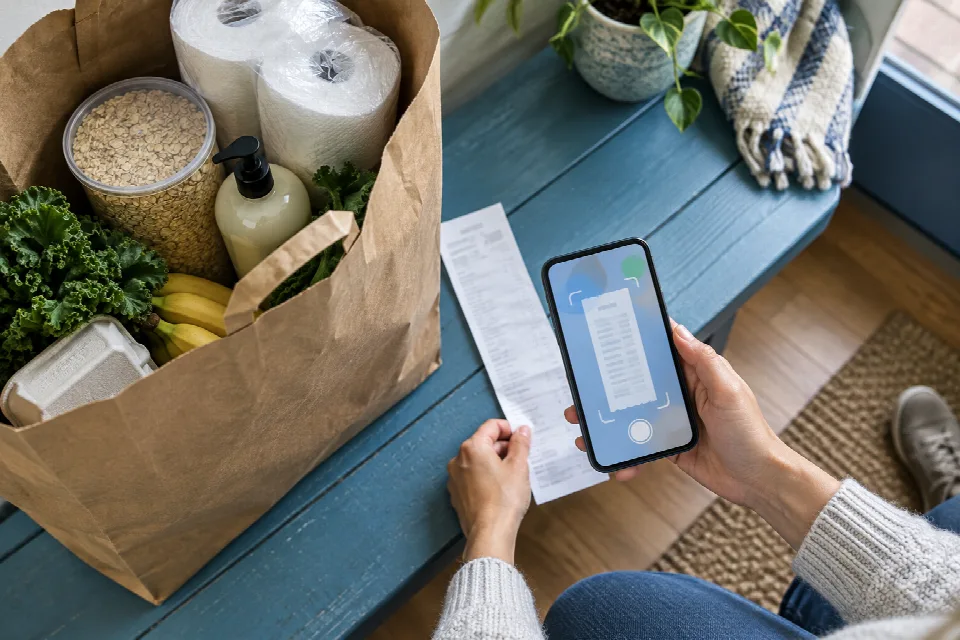
Hold on to your receipt until you’ve completed any required submissions and checked the result. Follow the app’s instructions for showing the purchase, and check the offer’s deadline rather than leaving the receipt in a pocket indefinitely.
If a reward doesn’t appear as expected, revisit the offer details and your receipt. Check that the item, store and purchase date match, then use the app’s support option if you need help. Keep your receipt handy while you do.
Finally, look at the rules for redeeming your balance, including any minimum, expiration or inactivity terms. A quick check now can help you decide when and how you want to use your rewards.
Spot it: your quick checklist
- Start with items already on your list.
- Choose an app that fits how you shop.
- Check the product, store, dates and required steps.
- Confirm that any offers you stack are allowed together.
- Save your receipt, submit it if needed and check your reward.
- Review the rules before redeeming your balance.
Sources
- www.nerdwallet.com · /finance/learn/cash-back-apps
- www.mobileappdaily.com · /products/best-cashback-and-rewards-app
- www.beermoney.co · /apps-to-save-money-on-groceries
- wealthypot.com · /cashback-apps
- apptierlist.com · /best/deal-finding
- www.nerdwallet.com · /finance/learn/how-to-coupon
- wealthvieu.com · /personal-finance/budgeting/how-to-get-coupons
- walletgrower.com · /blog/best-grocery-cashback-apps-and-coupon-stacking-strategies