How to check a product’s price history before you buy
A sale label is a clue, not the whole story. Check the price history, product details and final cost before you decide.
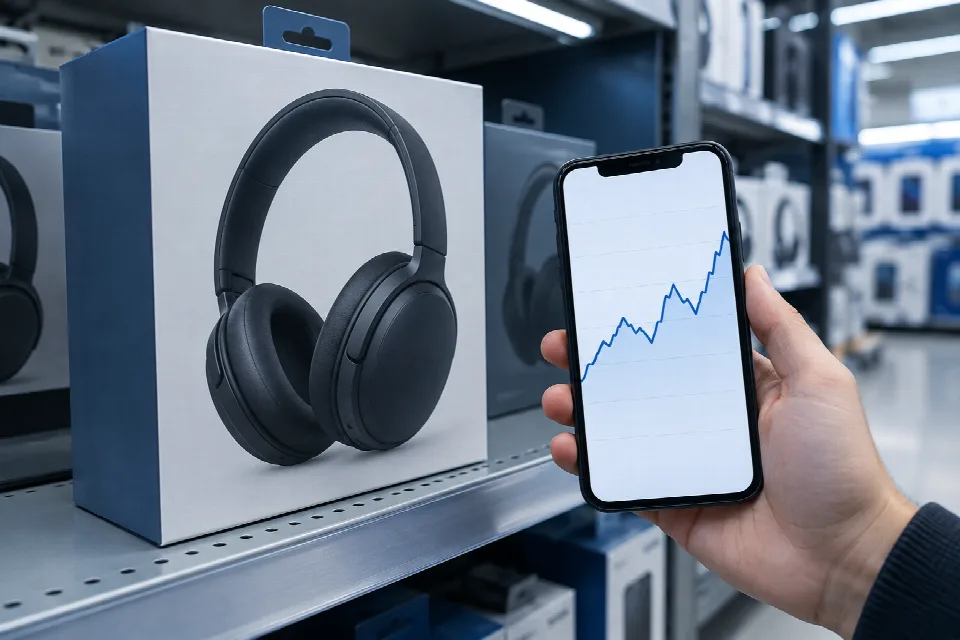
In this guide
A big “sale” label can catch your eye. But before you add that item to your cart, look for the price it has actually sold for—not just the price the store says it used to be.
A price history chart can help you see whether today’s price stands out or looks pretty ordinary. Here’s how to find one, read it and check the details that a chart alone can’t settle.
What to look for in a deal
Start with the item you want and its current price. Then look for a record of its past prices. You’re trying to answer a simple question: Is this price lower than what you’d normally see?
Focus on recent prices and any average shown by the tool, rather than relying on a crossed-out list price. A low price can still be the wrong buy if the item isn’t what you need or the return terms don’t work for you.
How to find a product’s price history
First, check the product page for a built-in history tool. On Amazon, look for the “Price History” link next to the price. It can show up to 365 days of pricing. You can also ask Amazon’s Rufus assistant about recent drops or yearly lows.
You can also check a separate price-tracking tool. These are examples to explore, not recommendations:
- CamelCamelCamel: Paste an Amazon product link into the tool to view a price chart.
- Keepa: A browser extension can show a price chart on an Amazon product page.
- Google Shopping: Look at a product listing for price trend information or tracking options.
If you use an extension, review what access it requests before installing it. If you’d rather not add one to your browser, look for a chart on the retailer’s page or use a tracker’s website.
How to read the price chart
Look at the time span first. Then find today’s price and compare it with the recent low and the usual range. If the chart offers different date ranges, switch between them to get a broader view.
A single low point is worth noticing, but it isn’t the whole picture. Look at the rest of the line, too. Does today’s price sit near prices shown often, or closer to the lowest points?
Check the chart’s labels and dates before drawing a conclusion. If there’s a gap or you can’t tell which price a line represents, treat the chart as a clue and check the listing directly. A past low tells you what the chart recorded, not what the price will be next.
Not ready to buy? Some trackers offer price alerts. CamelCamelCamel, for example, offers email alerts, so you can choose a price to watch for instead of checking the chart over and over.
Check the product and seller
Before you compare prices, make sure you’re looking at the same item. A different size, color, model or pack count can throw off your comparison. Check the product name and details on both the chart and the listing.
Check the condition, too. If you want a new item, make sure that’s what the listing offers. Look for the seller’s name and read the listing carefully. If you’re comparing sellers, check each one’s terms rather than assuming they match.
Check the total cost and return policy
The product price is only part of your check. Before you place the order, look at the final total, including shipping, taxes and any other fees shown at checkout. Compare that total with your other options.
Then find the return policy for that specific item and seller. How long do you have to return it? Are there return shipping costs or other conditions? Make sure the answers work for you before you buy.
If the total or terms aren’t clear, pause and check them. A chart can help you judge the price, but it can’t decide whether the whole purchase fits your needs.
Spot it: Your quick checklist
- Find a price history chart and check its date range.
- Compare today’s price with recent prices and any average shown.
- Match the model, size, pack count and condition.
- Check the seller and the final checkout total.
- Read the item’s return terms before you buy.
Sources
- www.digitaltrends.com · /computing/you-can-now-check-a-products-price-history-spanning-a-whole-year-on-amazon
- www.moneycrashers.com · /price-history-tools
- www.tomsguide.com · /ai/amazon-just-upgraded-its-price-history-feature-so-you-can-track-pricing-for-up-to-365-days-heres-how-to-use-it
- lifehacker.com · /check-price-history-on-amazon-prime-day-deals
- becleverwithyourcash.com · /how-to-search-price-history-and-know-if-youre-getting-a-good-deal
- www.techbloat.com · /how-to-check-a-products-price-history-on-amazon.html
- lifehacker.com · /best-price-tracking-tools
- pricediff.in
- camelcamelcamel.com
- chromewebstore.google.com · /detail/keepa-amazon-price-tracke/neebplgakaahbhdphmkckjjcegoiijjo
- support.google.com · /faqs/answer/10675605